
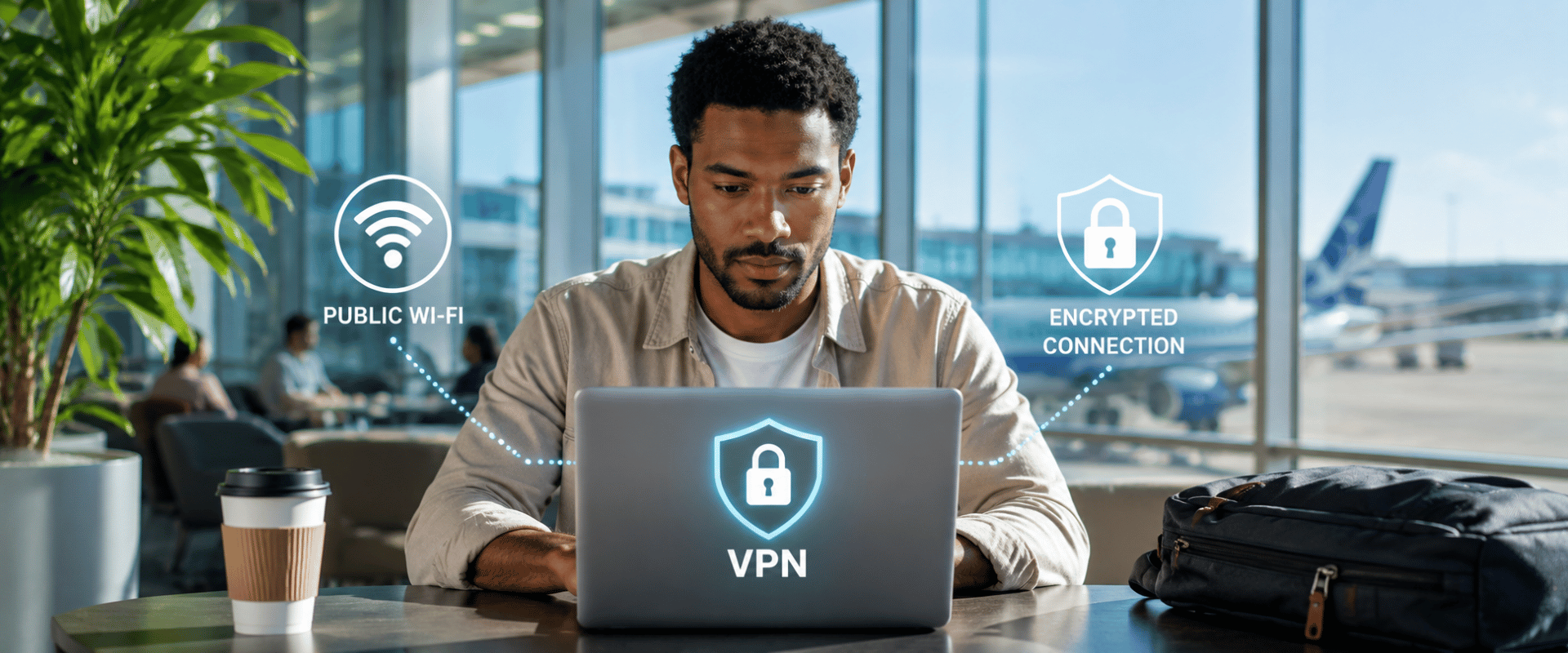
Public Wi-Fi and VPNs: Keeping Remote and Traveling Employees Secure
Why that free airport network could cost your business and how to lock it down
Free Wi-Fi feels like a gift when stuck at an airport gate or working from a hotel lobby. You connect, catch up on email, and get back to work. It seems harmless. But that open network could be the easiest way for a criminal to access your company’s data.
Remote and traveling employees connect to public Wi-Fi all the time without a second thought. That habit is exactly what attackers count on. The good news is a few simple protections, starting with a VPN, can keep your team safe wherever they work.
Continue reading to learn why public Wi-Fi is risky and how to protect your business.
Why public Wi-Fi is a problem
Public Wi-Fi is convenient because it is open, and that openness is its weakness. On an unsecured network, data moving between a device and the internet can be intercepted by anyone nearby with the right tools. Passwords, emails, and files are all fair game.
One of the most common tricks is the “evil twin” attack. A criminal sets up a fake Wi-Fi network with a name that looks legitimate, like the airport or coffee shop you expected. When you connect, everything you type can flow straight through their device.
Related resource:
5 Tips to Keep Your Remote Teams Productive
A real example from the airport
This is not just a theory. In 2024, an Australian man was caught running evil twin Wi-Fi networks at airports and on domestic flights. Travelers who connected were sent to fake login pages that captured their email and social media credentials. He collected data from a large number of victims before he was caught, and in late 2025 he was sentenced to more than seven years in prison. [1]
Protection is still not the norm. A 2025 Security.org report found that 68 percent of Americans either do not use a VPN or are not aware of them, up sharply from the year before. That leaves a lot of people exposed on exactly the networks attackers target. [2]
How to keep your team secure
Protecting your team does not mean banning public Wi-Fi. It means following a few smart rules:
- Use a business VPN: A VPN encrypts your connection so your data stays private even on an open network.
- Verify the network name: Have staff confirm the exact Wi-Fi name before connecting, as evil twins often use lookalike names.
- Skip sensitive tasks on open networks: Save banking and confidential work for a trusted connection.
- Use a phone hotspot when possible: A personal hotspot is far safer than unknown public Wi-Fi.
- Keep devices updated: Updates close the security holes attackers use to break in.
A VPN is powerful but not a magic shield. It works best when paired with trained employees and updated devices.
Learn more:
Remote IT Support vs. Onsite IT Support: Which Is Right for Your Business?
Are you looking for a managed IT partner that can monitor your environment, manage updates, and strengthen your cybersecurity readiness?
Our team of trained and experienced IT professionals has been providing IT services to small and medium-sized businesses in Orlando and beyond for over 15 years. As your managed IT partner, we can support your existing technical team or provide full-service outsourced IT support.
Ready to get started?
Contact us today to learn more!
1: Bleeping Computer | Man behind in-flight Evil Twin WiFi attacks gets 7 years in prison
2: Security.org | VPN Use in 2025: Trends, Statistics, and Consumer Sentiment