
Quishing: How QR Code Phishing Slips Past Your Email Filters
Why a quick scan can open the door to stolen passwords and what your team can do about it
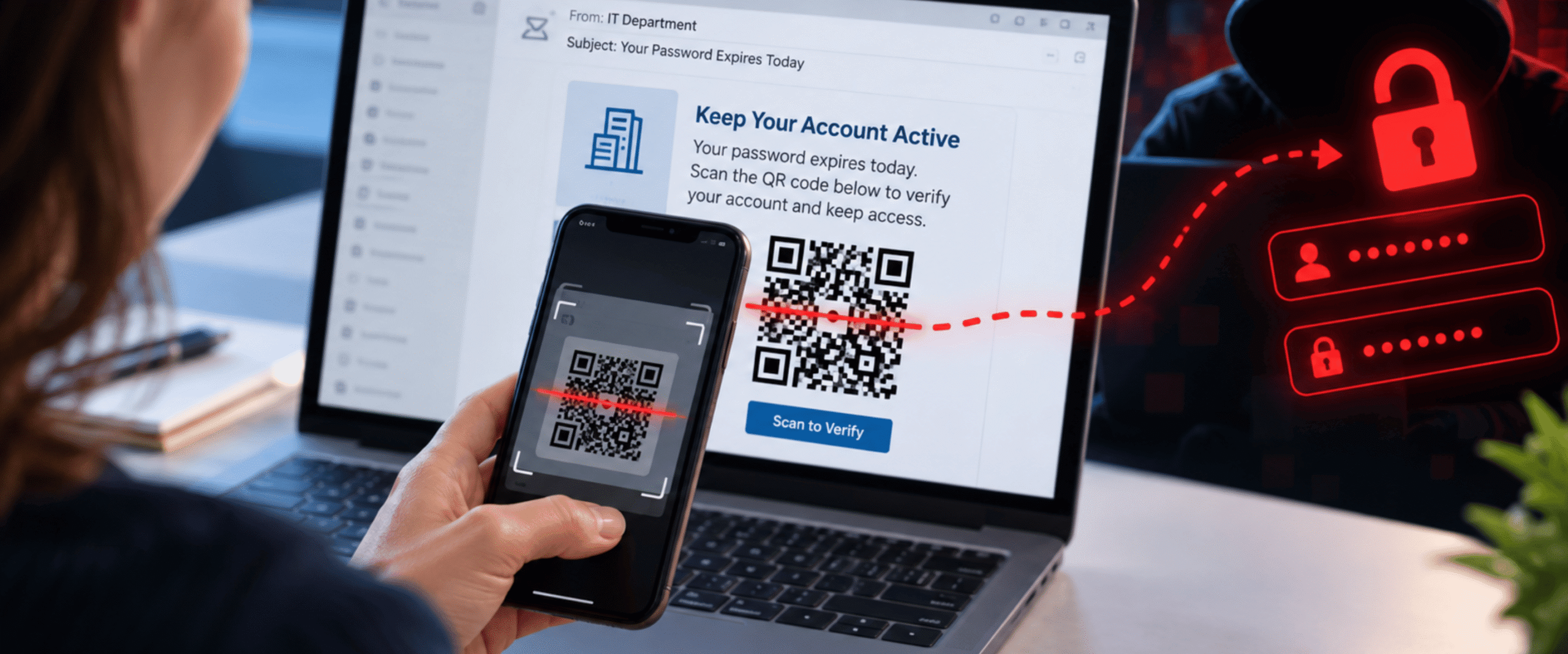
An email from your IT department says your password expires today. To keep your account active, you just need to scan a QR code. It looks official, it made it past your spam filter, and it only takes a second. So you grab your phone and scan.
That quick scan may have just handed a criminal your login.
This is quishing, short for QR code phishing, and it has quickly become one of the most common ways attackers sneak into business inboxes.
Continue reading to learn how quishing works, why it slips past the security tools you already have, and what your team can do to stop it.
How quishing works
Quishing is a phishing attack that hides a malicious link inside a QR code. Instead of clicking a link, the victim scans a code with their phone and lands on a fake login page or a site that installs malware.
Most quishing attacks show up in one of three ways:
- Fake account alerts: A message claims your password is expiring or your Microsoft 365 account needs to be verified.
- Documents and invoices: A PDF, contract, or shared file asks you to scan a code to view, sign, or pay.
- Physical codes: Fake stickers placed over real QR codes on parking meters, flyers, or packages send people to fraudulent payment pages.
Learn more:
Why Multi-Layered Email Security Is Critical for Your Business
Why it slips past your email filters
Traditional email filters are built to read text. They check links against lists of known bad sites and block anything suspicious. A QR code is an image, so the link inside it is invisible to many of those tools.
Attackers also count on where the scan happens. When an employee uses a personal phone, they step outside their work computer’s protections. The small screen also makes a fake web address much harder to spot.
These attacks are growing fast. Microsoft reported that QR code phishing attacks jumped from 7.6 million in January 2026 to 18.7 million in March, a 146 percent increase in just two months. [1]
Related resource:
How Can Your Business Avoid Social Engineering Tactics
How to protect your business
A few simple habits and the right tools can close the gap quishing creates.
- Pause before you scan: Treat a QR code in an email like any unexpected link. If it asks you to log in or pay, go to the website directly instead.
- Check the web address: Look at the full address that appears after scanning. Misspellings, extra words, and link shorteners are red flags.
- Use stronger sign-ins: Passkeys and phishing-resistant multi-factor authentication make a stolen password far less useful.
- Upgrade your email security: Advanced email tools can now read QR codes inside messages and attachments and check where they lead.
- Train your team: Add QR codes to your phishing awareness training so employees know what to look for.
- Report it right away: If someone scans a suspicious code, quick action can stop a small mistake from turning into a breach.
Are you looking for a managed IT partner for your business?
QR codes are not going away, and neither are the criminals who abuse them. With over 15 years of experience, InterNetwork IT helps small and medium businesses across Orlando and beyond strengthen email security, train employees, and stop phishing attacks before they reach your accounts.
To learn more about how we can help you improve your cybersecurity and protect your business, please visit our IT Cybersecurity Services page.
Ready to get started?
Contact us today to learn more!
1: Microsoft Security Blog | Email Threat Landscape: Q1 2026 Trends and Insights