
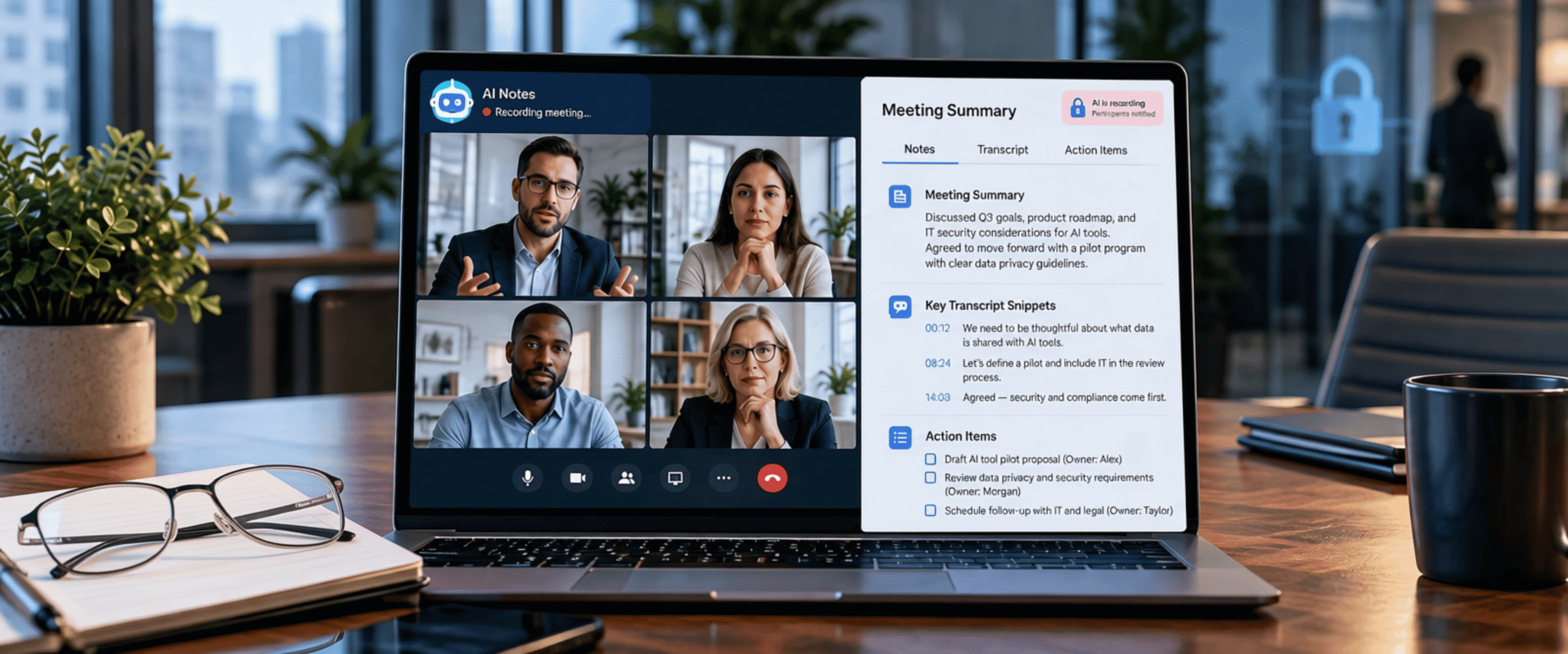
AI Note Takers in Your Meetings: Convenient, but Are They Safe for Your Business?
What every business should know before letting AI record its conversations
Your sales call ends, and before you have even closed the window, a tidy summary with action items lands in your inbox. AI note takers have become a regular guest in meetings everywhere, and it is easy to see why.
But that helpful tool is also recording everything said on the call. Where does that recording go? Who can access it? And did everyone in the meeting actually agree to be recorded?
Continue reading to learn the hidden risks of AI note takers and how to use them without putting your business at risk.
How AI note takers work
AI note takers join your video calls, sometimes as a visible participant and sometimes quietly in the background. They turn the conversation into a transcript, a summary, and a to-do list in minutes.
The convenience is real. But once a conversation is captured, it becomes data. That data can be stored, shared, searched, and, in some cases, used to train the vendor’s AI.
Learn more:
Is It Safe to Connect AI to Your Microsoft Account? What Businesses Need to Know
The risks businesses overlook
- Consent: Florida is one of several states that require everyone in a private conversation to agree before recording. One person turning on a note taker without telling the room could create legal exposure.
- Data use: Some vendors keep recordings indefinitely or use them to improve their AI unless your settings or contract say otherwise.
- Sensitive details: Note takers capture everything, including client information, HR matters, and legal discussions meant to stay confidential.
- Legal evidence: A saved transcript is a permanent record you can request in a lawsuit or investigation, even if the AI got details wrong.
A lawsuit that put AI note takers in the spotlight
In August 2025, a proposed class action was filed against Otter.ai in federal court in California. The lawsuit alleges that Otter’s note taker recorded meetings without the consent of every participant, including people who never used the service, and used those conversations to train its AI. [1]
The claims have not been proven, but the case raised a question every business should be asking: does everyone in the meeting know they are being recorded?
Related resource:
AI Cybersecurity Challenges: How Managed IT Can Keep You Protected
How to use AI note takers safely
You do not need to ban AI note takers. You just need clear rules.
- Get consent every time: Announce at the start of each call that an AI tool is taking notes and give people a chance to opt out.
- Choose approved tools: Pick one business-grade tool for your team. Free apps and browser extensions often collect more than you expect.
- Check the data settings: Find out where recordings are stored, how long they are kept, and whether they train the vendor’s AI.
- Keep sensitive meetings off the record: Skip note takers for HR, legal, and confidential financial conversations.
- Set a retention policy: Delete transcripts on a schedule so they do not pile up indefinitely.
- Review before you share: AI summaries can get names, numbers, and decisions wrong, so have a person check anything important.
Are you looking for a managed IT partner for your business?
AI tools can save your team hours every week, as long as they come with the right guardrails. With over 15 years of experience, InterNetwork IT helps small and medium businesses across Orlando and beyond choose secure tools, build clear technology policies, and keep sensitive data protected.
To learn more about how we can help your business stay secure and compliant, please visit our Compliance & Risk Management page.
Ready to get started?
Contact us today to learn more!
1: Fisher Phillips | New Lawsuit Highlights Concerns About AI Notetakers